Your collection.
Your way.
Add a new salwar set. Update a size or price. Keep your collection ready for the next enquiry.
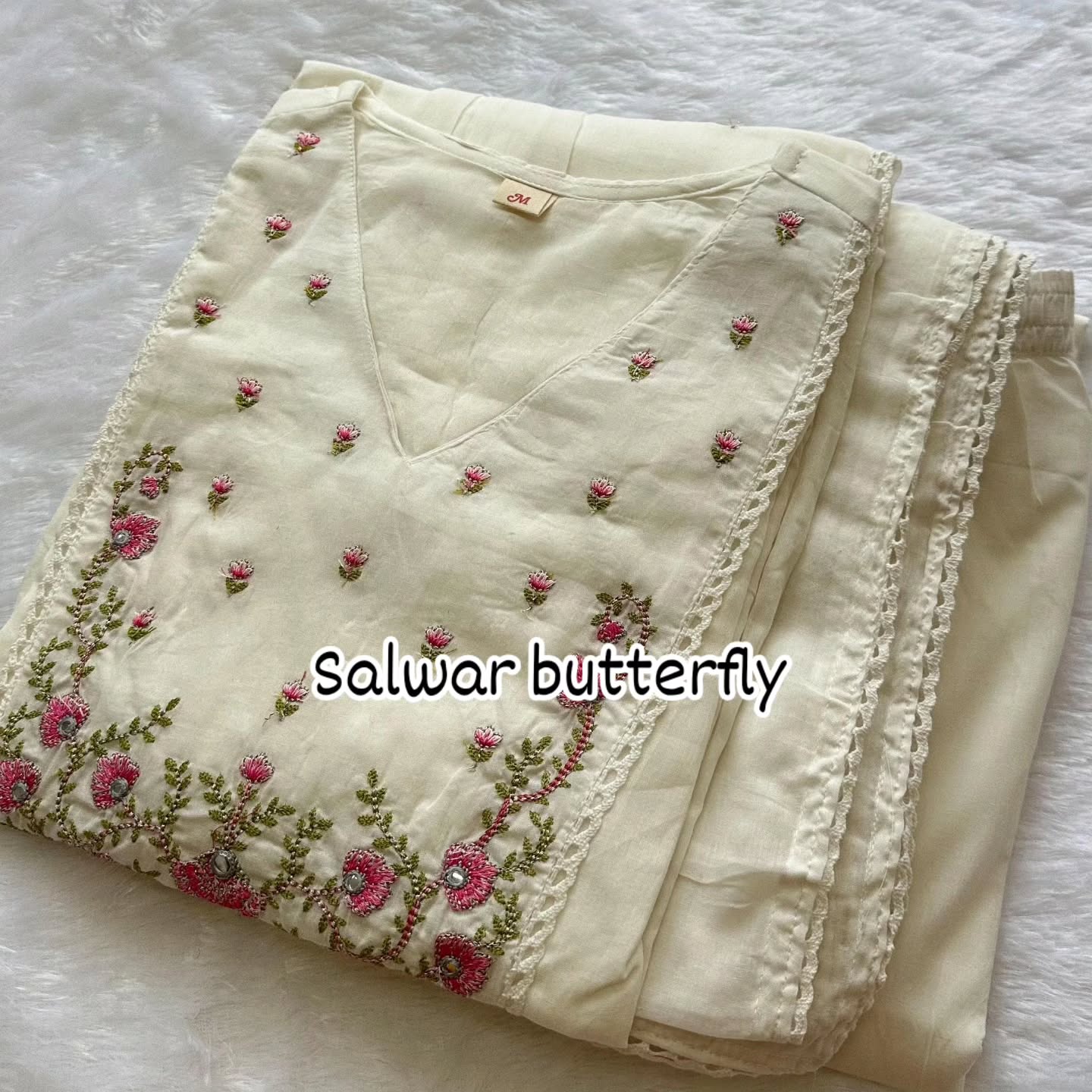 A little detail makes all the difference.
Welcome, owner.
Try the catalogue dashboard with the demo sign-in below.
It is not production authentication. Changes stay in this browser, and are visible in catalogue tabs on the same browser. Other visitors have their own demo data.
Email: owner@demo.local
Password: salwar-demo
The original photos and listed sizes come from your Instagram. Prices are blank until entered for this demo. No real orders, payments or secure owner login are connected.
Every detail, in your hands.
A simple way to care for your catalogue.
Add, edit and delete sample content. Updates sync instantly to catalogue tabs in this browser. Reloading keeps your edits; “Reset demo” restores the original collection. This public login is not secure production authentication.
Your collection
Edit outfits, listed sizes, fabric details and demo prices.
No products found. Try another search or add a product.
Your categories
Categories with products cannot be deleted.
Fictional samples only. This panel is not connected to a live WhatsApp inbox.
No sample enquiries with this status.
How to try the owner demo
- Open Products to add or edit an outfit, its price, sizes, colours, fabric, stock and display order.
- Upload a photo or pick one from the collection library. Product photos are optimised to 200 KB; category covers to 50 KB.
- Use Categories to add or edit a collection. Move its products before deleting it.
- Open the storefront in another tab in this browser to see your saved edits.
- Reload to keep edits, or use Reset demo to restore the original collection.